Android 10or later
W
Take Ellipsus wherever you go, and keep writing—online or offline.
Download for iPhone, iPad, and Android.
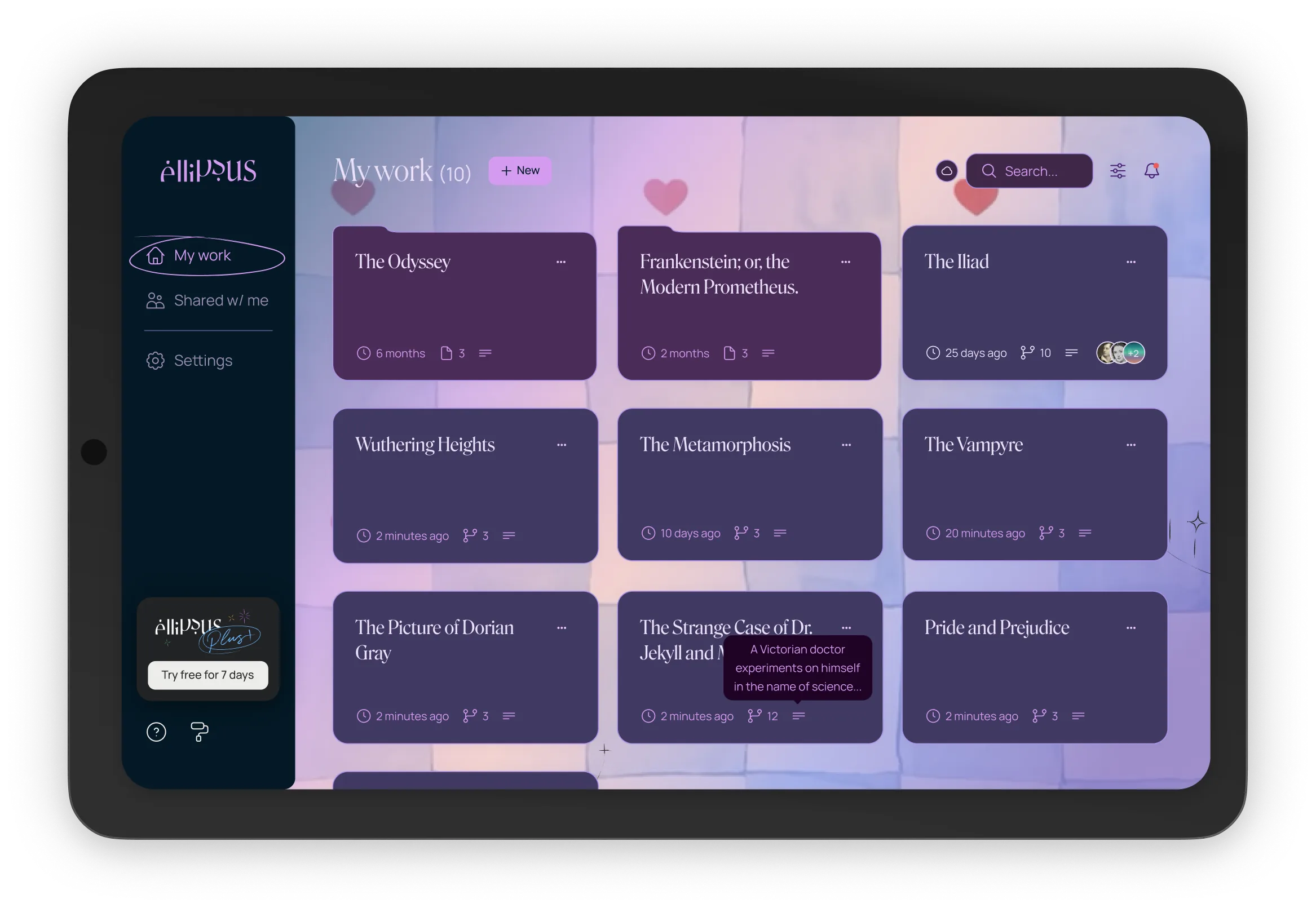
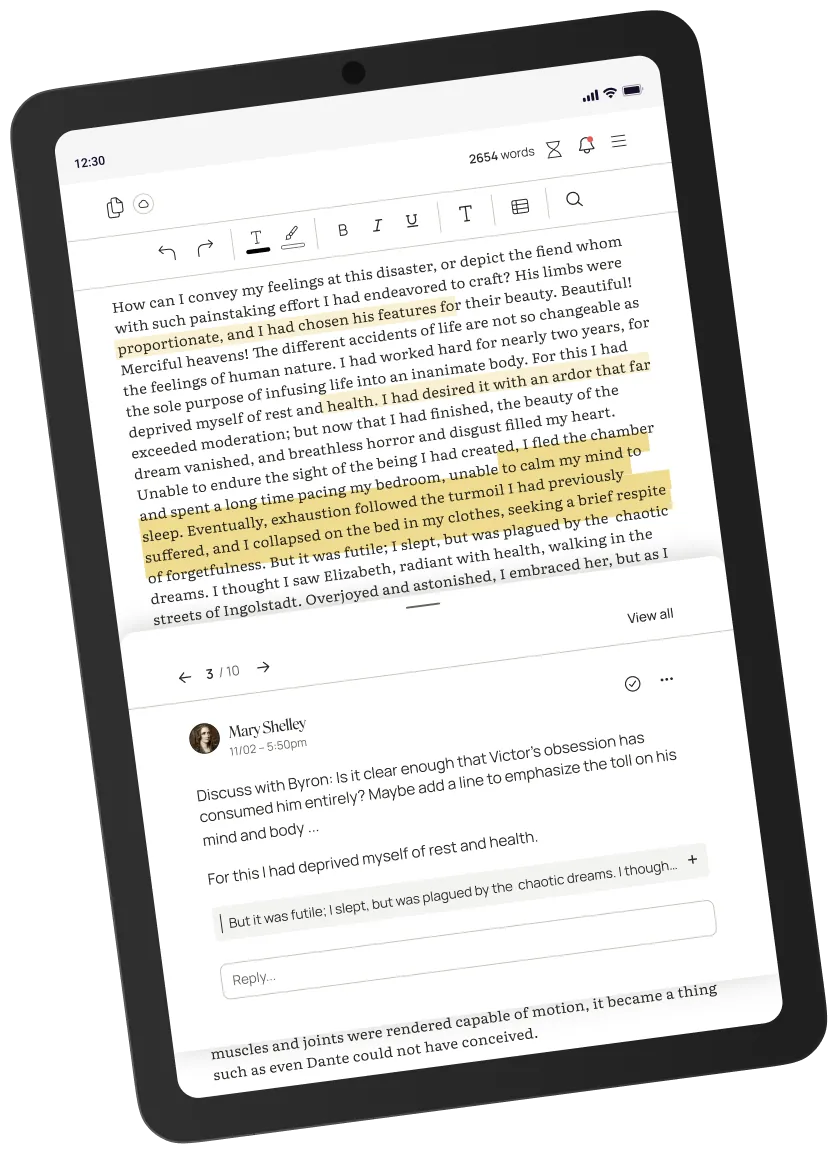
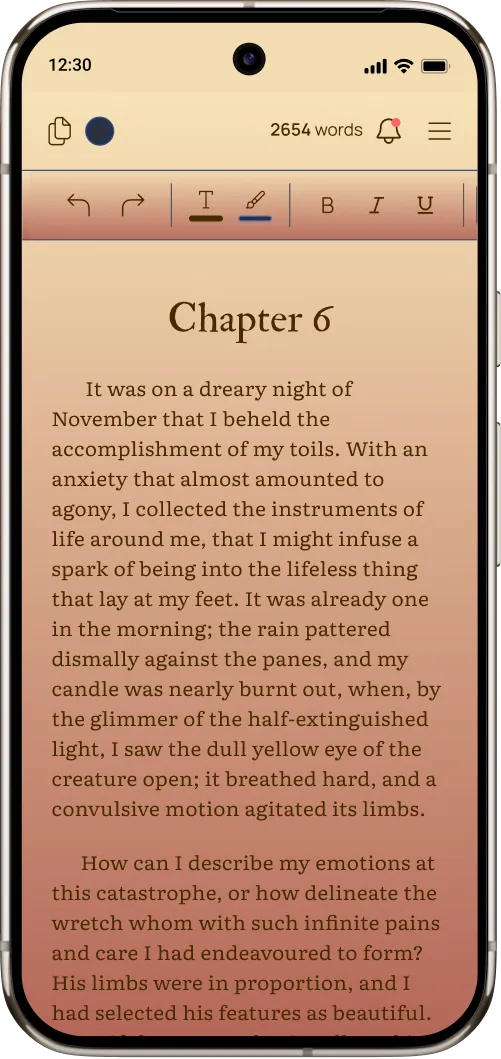
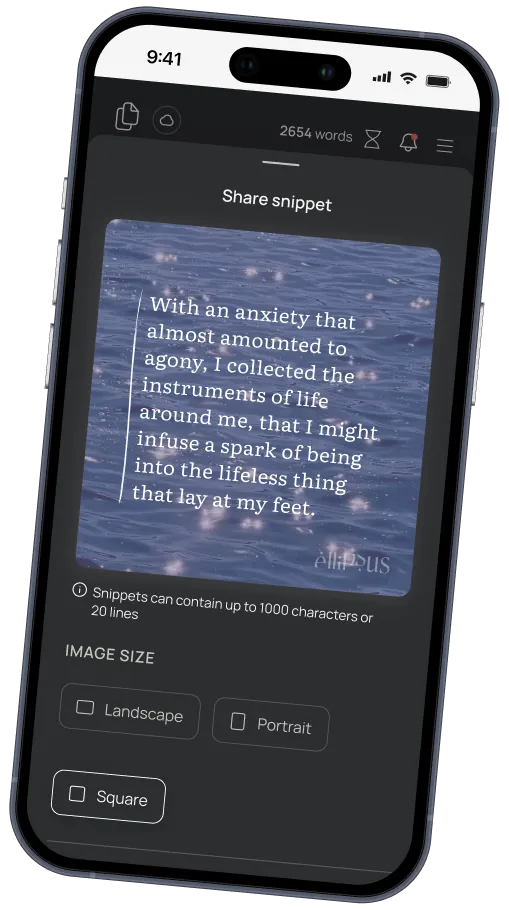
Pick your platform
Download the Ellipsus app.
The same Ellipsus you know and love—now with offline access.
Free on every platform.
iOS & iPadOS 16or later
macOS, Windows & LinuxNative apps in progress
Desktop
Or use Ellipsus from your browser.
Chrome & Edge on Mac, Windows, Linux
- 1
Open ellipsus.com.
- 2
Click the install icon in the address bar—it looks like a monitor with a downward arrow.
- 3
No icon? Open the ⋮ menu and look for “Install page as app.”
Edge files it under Apps → Install this site as an app.
- 4
Click Install.
Take Ellipsus on a journey.
Work across devices, stay in sync online, and keep writing offline in the iOS and Android apps.
- 01
One account, unlimited devices
Sign in once and access all your work across devices.
- 02
On the train, on a plane (or in your favorite coffee shop with awful WiFi)
Keep writing, editing, and navigating without a connection. Your changes save on your device, and sync when you’re back online.
- 03
Stay organized on the move
Create documents and folders, search your work, check your spelling, and keep everything in order—even offline.
- 04
Draft without breaking your flow
Create, rename, and manage your drafts wherever you are. Compare and merge once you’re back online.
- 05
Collaborate on the go
Access your shared documents, add comments and replies, create shared Reader links, and keep collaborating offline.
- 06
Make it yours!
Themes, timers, snippets, and custom settings come with you across devices. And if you use Ellipsus Plus, your Plus features will be there too.
FAQs
No, you can still use Ellipsus in your browser. Ellipsus works in any modern browser, and syncs your work across devices while online.
The app lets you keep working offline, too. It also has its own icon, window, and place in your app switcher for easy access.
The app is essentially the same Ellipsus you know and love, now with offline capabilities.
You don’t need a new account to use the app. Just sign in with your Ellipsus account, and continue where you left off!
If you subscribe to Ellipsus Plus, all Plus features will stay unlocked in your app.
Yes! Many Ellipsus features are now available offline in the iOS and Android apps.
You can write across multiple saved documents, navigate around the app, create and organize documents and folders, create drafts, read shared documents and add comments, use themes and timers, export your work, and much more.
Any changes you make will be saved on your device, and sync once you’re back online.
See the Help Center for more information on what is available offline.
Before going offline, you’ll need to sign in while connected to the internet, and open any documents you want to work on so they’re saved to your device.
Any changes you make to documents while offline will sync automatically when you’re back online.
Some features that depend on collaborators or syncing to Ellipsus servers—like chat, sending invites by email, and notifications—still require a connection.
For the full picture of what works online vs. offline, visit our Help Center.
Yes! The apps are free for everyone. There will be no limits on how much you can write–online or offline–or how many documents you can keep available on your device at any given time.
If you subscribe to Ellipsus Plus, all Plus features will stay unlocked in your app.
- A native Linux app and an offline-capable desktop app are coming soon. Stay tuned!